For most independent creators, the initial drive to bring artificial intelligence into the studio is rooted in a desperate need to save time. Whether you are trying to mock up social media assets, test visual concepts for a new product, or build rapid content prototypes, AI promises a shortcut.
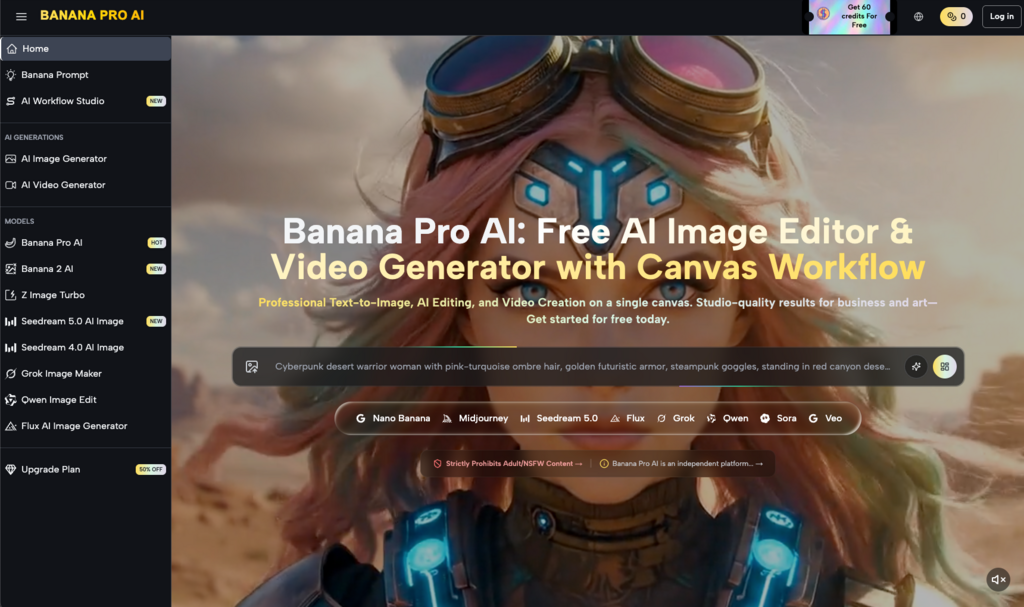
However, when you actually sit down and open a free online tool like Banana Pro AI, that first session is often accompanied by a subtle, lingering sense of frustration. The platform itself offers a frictionless entry point, supporting both text-to-image and image-to-image conversions. Yet, the chasm between “generating a visually pleasing picture” and “generating the exact picture I need for this project” is vast.
This isn’t a piece about benchmarking render speeds or listing UI features. Instead, we are going to look at where a beginner’s expectations usually derail in a real-world workflow, and how you can recalibrate your approach to actually get work done.
The Expectation Gap: Staring Down Your First Blank Prompt Box
Many creators approach their first AI image generation session with a sort of “autopilot” illusion. You might be conceptualizing a complex, dynamic visual project, perhaps even planning to eventually port these assets into an AI Video Generator to create a short-form social campaign.
The reality of that first text prompt is usually a wake-up call. When you type your initial description into Banana Pro AI, the returned result might be aesthetically stunning, but practically useless.
The cost of randomness: Pure text-to-image generation is essentially a slot machine. You ask for a “minimalist coffee cup on a wooden desk,” and the AI might deliver gorgeous, cinematic lighting—but the cup has two handles and the desk is melting into the background.
The absence of context: The model does not know your brand guidelines. It doesn’t know if this image is going to be a hero banner on a website or a thumbnail on Instagram. It only knows the statistical probability of pixels based on your words.
The most common trap I see beginners fall into is trying to brute-force their way to perfection by endlessly tweaking text prompts. Adding words like “masterpiece, 4k, trending on ArtStation” rarely fixes fundamental structural issues. In those first few weeks, you have to accept a hard truth: the AI is not a mind-reading senior art director. It is an incredibly fast, highly skilled intern with absolutely zero common sense.
From Chaos to Control: Why Image-to-Image is the Real Workhorse
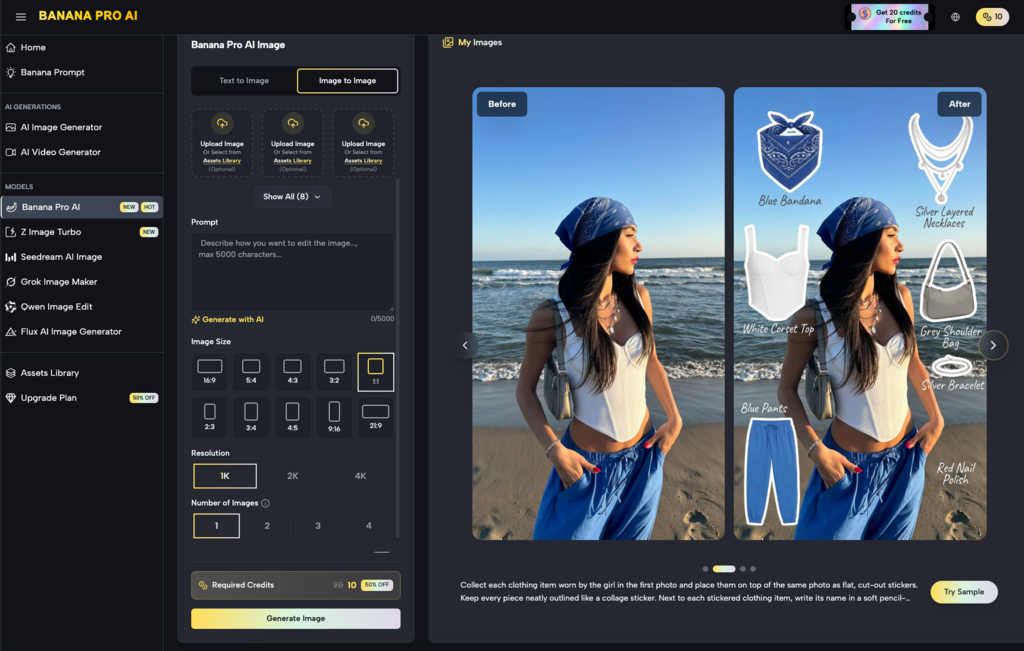
If text-to-image generation is about divergence and brainstorming, image-to-image conversion is about convergence and control. This is the exact pivot point where a creator’s workflow shifts from playful experimentation to actual production.
During my first few months testing various visual generation platforms, I wasted hours pulling the “reroll” lever, hoping the next batch of four images would magically align with the layout in my head. My workflow only stabilized when I stopped treating these platforms purely as ideation engines and started treating them as a generalized AI Image Editor.
Banana Pro AI’s image-to-image capability fundamentally changes the dynamic by providing a visual anchor.
The Mechanics of Visual Anchoring
When you have a rough sketch with the perfect composition, or a stock photo that has the right subject but the wrong lighting, you can upload it as a base layer. By adjusting the influence weight, you are no longer asking the AI to hallucinate from scratch. You are telling it: “Keep the bones of this image exactly as they are, but give it a new skin.”
This transition—from generating out of thin air to iterating on existing structural foundations—is how you actually hit deadlines.
Rapid Prototyping: The Nano Banana Testing Method
To validate visual concepts without burning through budgets, pragmatic creators often build standardized, high-tolerance testing loops. Let’s look at a practical workflow we can call the Nano Banana testing method—a process focused entirely on rapid iteration and accepting imperfections.
Imagine you are tasked with designing a series of visual prototypes for a hypothetical new product line called Nano Banana. If you aim for a flawless, client-ready render on your first try, you will get bogged down in microscopic details. A realistic, momentum-driven workflow looks like this:
The Rough Start (Text-to-Image): Input the core aesthetic descriptions for your Nano Banana concept into Banana Pro AI. Generate 10 to 20 base images rapidly. Ignore the weird artifacts or floating objects. You are only hunting for a vibe, a color palette, or an interesting lighting setup.
Directed Iteration (Image-to-Image): Select the single image that feels closest to the Nano Banana brand identity. Feed it back into the system as a reference image. Now, step into the role of an AI Image Editor. Tweak your prompts to refine the materials, smooth out the background, or adjust the depth of field, slowly guiding the output toward your goal.
Embracing “Good Enough”: For rapid content prototyping, 80% perfection is the finish line. Spending an extra hour trying to force the AI to remove a stray shadow completely negates the efficiency you gained by using the tool in the first place.
In the context of the Nano Banana workflow, you quickly realize that treating the AI as a “sketch refiner” is infinitely more productive than treating it as a final-output machine.
Crossing Mediums: The Invisible Wall Between Stills and Motion
For designers and social media managers exploring motion content, static images are rarely the final destination. The current industry trend is to take generated stills and push them through an AI Video Generator to create dynamic, thumb-stopping assets.
However, expectations often crash hard against reality here, too.
If you try to generate video directly from text prompts in most motion tools, the results are famously chaotic—subjects morph into different people, backgrounds warp, and physics break down. Experienced creators bypass this by using a “dimensionality reduction” strategy.
| Workflow Stage | Tool Type Utilized | Core Objective | Creator’s Role |
| Phase 1: Visual Lockdown | Free Image Generator (e.g., Banana Pro AI) | Secure the composition, lighting, character design, and overall art direction. | Art Director / AI Image Editor |
| Phase 2: Motion Injection | AI Video Generator | Translate the locked, perfect static frame into a few seconds of controlled motion. | Animation Supervisor |
By spending the bulk of your time in Banana Pro AI—using image-to-image to ruthlessly polish your Nano Banana visual assets until they are structurally sound—you create a perfect “initial frame.” When you feed that highly controlled static image into an AI Video Generator, you drastically reduce the model’s room for error. This hybrid approach is currently the most reliable path for a solo creator to produce high-fidelity motion content without a massive studio budget.
Recalibrating Your Creative Mindset
After a solid month of daily use, the most grounded realization you will have is this: AI does not eliminate manual work; it simply relocates it.
You no longer have to spend four hours manually illustrating a Nano Banana concept from a blank canvas. Instead, you will spend that time curating outputs, managing reference weights, and acting as a traditional AI Image Editor in Photoshop to paint out the bizarre artifacts the generator left behind.
The true utility of a free online tool like Banana Pro AI isn’t that it does the work for you. Its value lies in how aggressively it lowers the cost of trial and error. It allows you to stress-test a dozen different visual directions before lunch, ensuring that by the time you move your assets into a paid AI Video Generator or a complex post-production pipeline, you already know the concept works.
Ultimately, the quality of your final output isn’t determined by how fast the platform generates pixels. It is determined by your taste, your editorial eye, and your ability to know exactly which image is worth keeping.