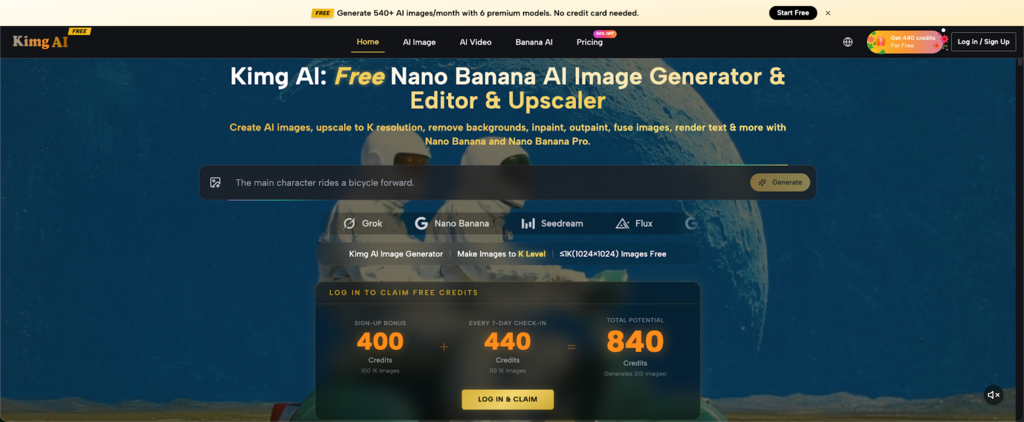
Many AI image sites give just enough free usage to spark interest, then stop before real testing begins. Kimg AI is different: new users can claim a 400-credit sign-up bonus, then earn another 440 credits by checking in for 7 days, enough to generate up to 210 free 1K AI images and test premium models such as Nano Banana AI before paying anything.
I. Why Most Free AI Image Tools Feel Generous Until They Don’t
- A few free images are rarely enough
One prompt almost never gives the final result. A product photo may need a cleaner background. A portrait may need better lighting. A poster concept may need another style direction. When a site only gives a handful of free generations, users spend more time worrying about waste than learning how the model behaves.
- Prompt testing needs room
Good prompting is practical. A beginner may need ten tries just to understand how a model reads color, camera angle, character details, or text placement. That is why a larger free starting allowance changes the experience. It makes testing feel normal instead of risky.
- Model comparison is where the real value appears
One AI image model may be better for realistic portraits. Another may be stronger for stylized product shots. Another may understand editing instructions more clearly. When free usage is too tight, users never get a fair chance to compare. Kimg AI gives enough starting room to see which model actually fits the job.
II. The Kimg AI Free Image Formula: 210 Images Without a Card
- The homepage offer is easy to understand
Kimg AI states the reward in a direct way: Sign-up Bonus 400 Credits equals 100 free 1K images. Every 7-day check-in gives 440 Credits, equal to 110 free 1K images. Together, the total potential reward reaches 840 Credits, which generates 210 images.
- Weekly check-ins keep the free workflow alive
The useful part is not only the first reward. After the first week, users can continue the 7-day check-in cycle and receive another 440 Credits. That means the site is not just a one-time trial. It can become a weekly creative habit for testing new concepts, social posts, mockups, and style ideas.
- Free 1K output is practical for learning and drafting
Free generation is listed for ≤1K images, up to 1024×1024. That is enough for prompt practice, concept previews, thumbnails, moodboards, and rough marketing visuals. Higher-resolution options such as 4K are available for upgraded users, but beginners can still learn the core workflow with free 1K images first.
III. What Makes Kimg AI Useful Beyond the Free Images
- Multiple popular models in one workspace
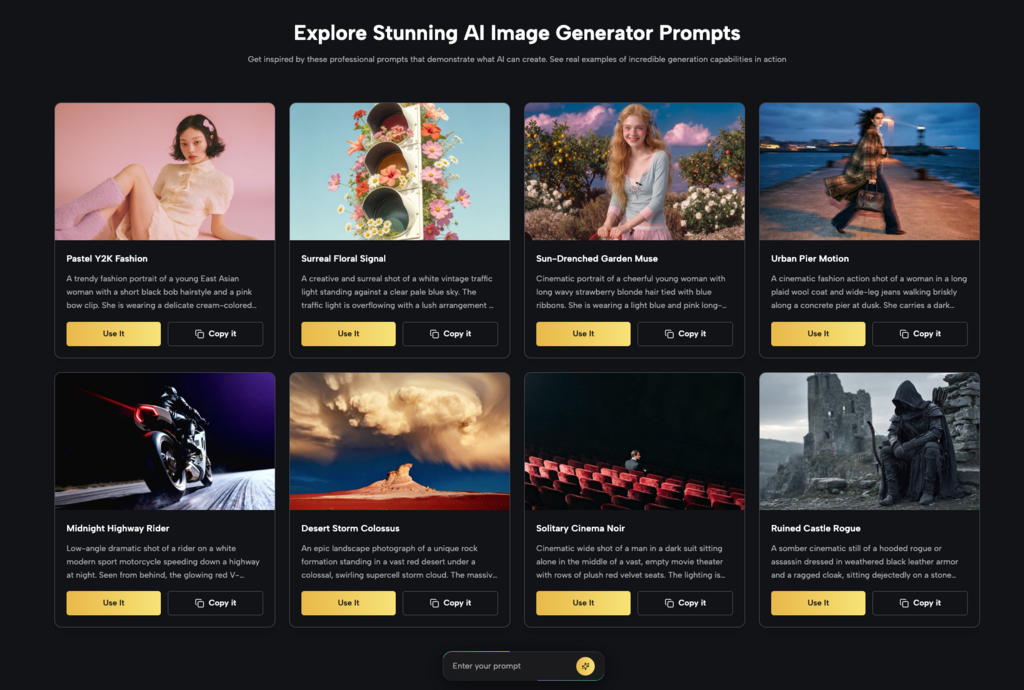
The biggest hidden cost of AI image tools is not always money. It is time. Signing up for several sites, learning different interfaces, and remembering where each model lives can get messy fast. Kimg AI brings several well-known image and video models together, including Nano Banana, Seedream, Flux, GPT Image, Grok Image, and Google Veo.
- Faster testing across different visual styles
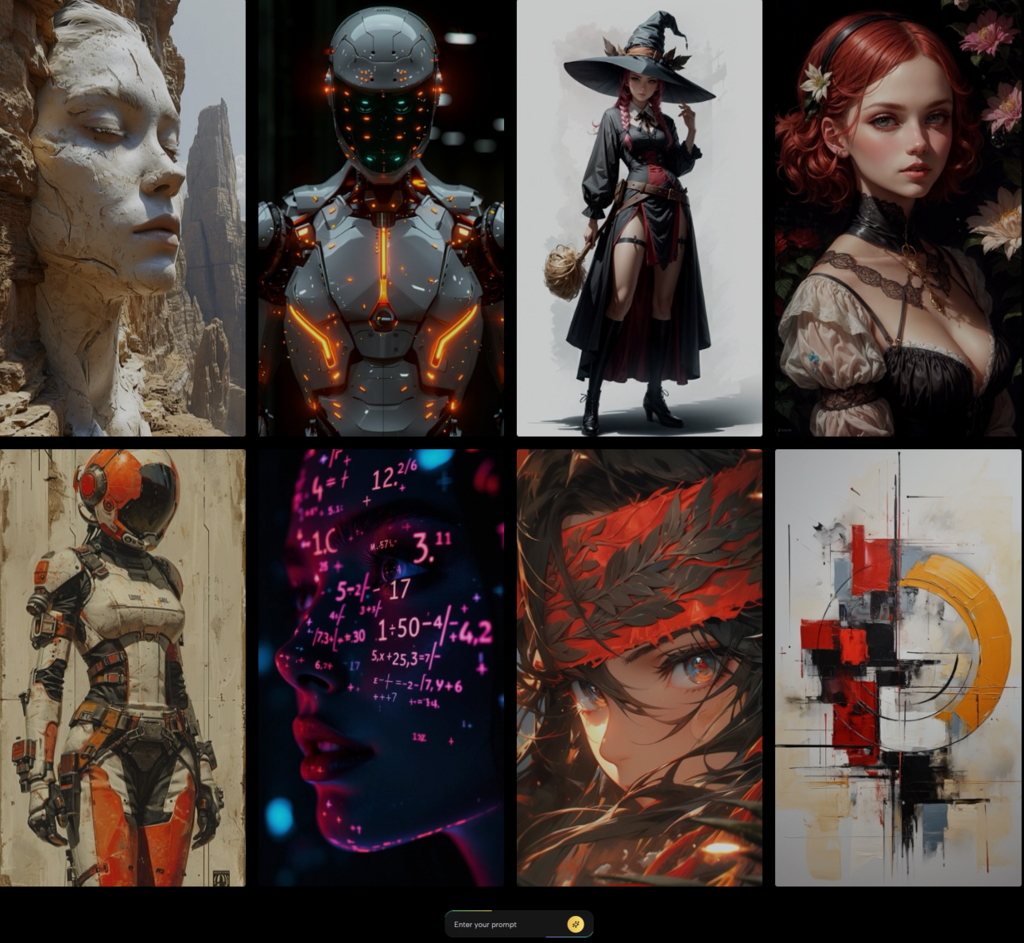
A creator can test a clean product shot with one model, then try a cinematic portrait with another. A student can create illustration references, poster drafts, or presentation visuals without building a complicated tool stack. This makes Kimg AI useful for people who want results, not a long setup process.
- A smoother path from image to video
The site also includes video generation models. After creating an image, users can move into image-to-video creation with models such as Veo 3. This is helpful for short-form content ideas, product teasers, character motion tests, and story scenes. A still image can become the first frame of a moving concept.
IV. Practical Ways to Spend the Free Generations Wisely
- Start with Nano Banana for character and style tests
Nano Banana is a strong place to begin when the goal is visual consistency. The site notes that Nano Banana supports up to 4 reference images for consistent character generation. This makes it useful for creators building a mascot, a recurring character, a fashion look, or a branded visual direction.
- Try GPT Image-style results for text and layout ideas
When a project needs poster-like composition, clear visual logic, or a more designed look, testing GPT Image options can be useful. The smart move is to keep prompts short at first: subject, style, mood, and output purpose. Then refine the prompt only after seeing what the model understands.
- Use Flux for careful edits and context-aware changes
Flux is listed for professional AI image editing with context-aware control. That makes it a good choice when the main image is close, but one part still needs work. Instead of starting over, users can test object-level changes, style consistency, and cleaner refinements.
V. A Simple 210-Image Testing Plan for Beginners
- Use the first 40 images for prompt practice
Start with simple subjects: a product on a table, a portrait in natural light, a logo-style mascot, a room interior, or a poster concept. Change only one part at a time. For example, keep the subject the same and adjust lighting, lens, background, or color palette.
- Use the next 80 images for model comparison
Pick one brief and run it across different models. Try Banana AI for consistent characters, Seedream for fast visual exploration, Flux for editing-focused work, and Grok Image for another creative direction. The goal is not to crown one model as “best.” The goal is to learn which model is best for each task.
- Use the final 90 images for usable assets
After testing, spend the remaining generations on real outputs. Create a set of social media images, product mockups, profile banners, presentation covers, thumbnails, story scenes, or ad concepts. This turns the free allowance into a practical creative library instead of a random folder of experiments.
VI. How to Get Better Results Without Wasting Generations
- Write prompts like a creative brief
A useful prompt should answer five simple questions: what is shown, what style is needed, what mood should it have, what details matter, and what the image will be used for. A vague prompt like “cool product photo” usually wastes attempts. A clear prompt gives the model a better target.
- Keep one test variable at a time
Changing the style, subject, camera angle, background, and lighting all at once makes results hard to judge. Beginners should adjust one element per generation. This makes every image teach something, even when the result is not perfect.
- Save winning prompts
When a prompt works, save it before making changes. A strong prompt can become a reusable template for future product images, character shots, posters, or video starting frames. Over time, this becomes a personal prompt library that makes Kimg AI faster and more useful.
VII. Turning Free AI Images into Video Concepts
- Start with a strong still image
Video generation works better when the starting image already has a clear subject, readable composition, and strong mood. A messy image creates messy movement. Before using a video model, choose an image with a clear focal point and enough space for motion.
- Use Veo 3 for cinematic motion tests
Kimg AI lists Veo 3 as an image-to-video model with native audio generation. That gives creators a way to test motion, atmosphere, and sound from an image-based idea. A fashion portrait can become a short walking shot. A fantasy scene can become a cinematic moment. A product render can become a quick promo-style clip.
- Think in short scenes, not full movies
The best beginner approach is to create small video moments: a camera push-in, a product reveal, a character turning toward the light, or a landscape with natural motion. Short scenes are easier to control and more useful for social posts, pitch decks, and concept previews.
Conclusion
Kimg AI gives beginners enough free space to test premium AI image models properly, from Banana AI-style character work to product shots, posters, and image-to-video ideas.
For anyone curious about AI image creation but not ready to pay upfront, this is a smart place to start. Visit Kimg AI, claim the free rewards, and turn the first batch of ideas into 200+ AI images today.