
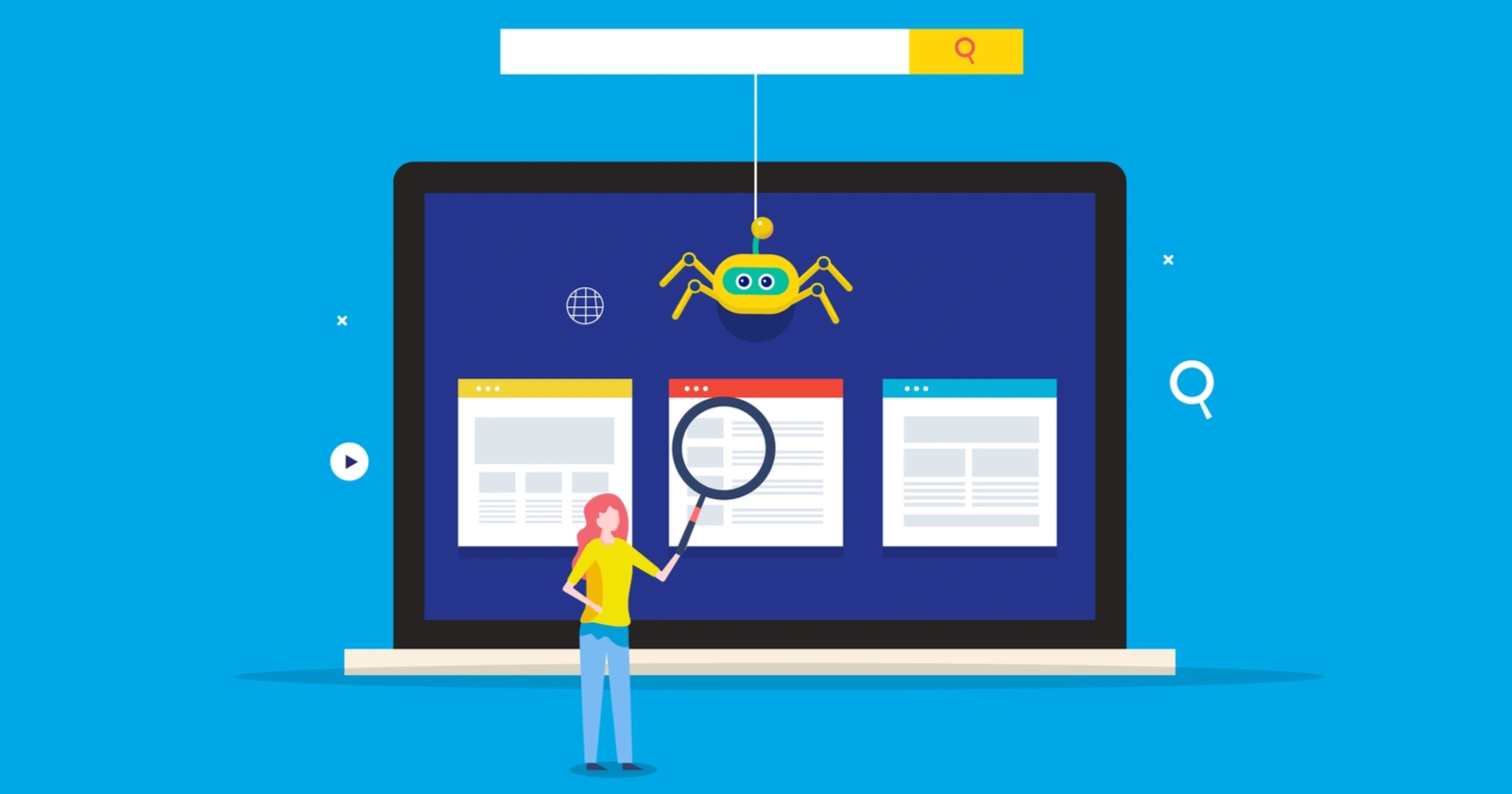
Search engines are evolving at an incredible speed, and with every algorithm update, websites must adapt to stay visible. If your pages are not indexed, your SEO efforts will not matter because Google cannot rank what it cannot access. In 2026, indexing challenges have increased due to enhanced AI-based crawling, stricter quality filters, and more advanced signals that determine whether a page deserves to appear in search results.
This guide explains the most common indexing issues site owners face today and how to fix them using effective technical SEO strategies. Whether you manage a business website, a blog, or an eCommerce store, solving indexing problems is essential for long term organic growth.
Why Indexing Still Matters in 2026
Indexing is the gateway to visibility. When a search engine successfully crawls, processes, and stores your pages in its index, your content becomes eligible to rank. With Google’s AI-driven systems like Search Generative Experience and Neural Crawlers, indexing now focuses more on usefulness, speed, clarity, and structure.
True SEO success starts when you have a crawlable, indexable and high quality website. That is why resolving indexing issues should be a priority for every brand in 2026.
1. Blocked by Robots.txt and How to Fix It
One of the most common reasons pages fail to index is incorrect rules in the robots.txt file. Many websites mistakenly block important folders or use outdated directives.
How to fix
Check your robots.txt using Google Search Console.
Ensure that important directories like /blog/, /products/ or /services/ are not blocked.
Remove unnecessary Disallow rules.
Only block admin URLs, staging versions, or private pages.
Correct robots configurations ensure that search engines can crawl your essential pages without limitations.
2. Noindex Tags Added by Mistake
Sometimes developers leave noindex tags after launching a new page or redesign. This tells Google not to add a page to the search results.
How to fix
Inspect page source and remove any noindex meta tags accidentally added.
Use Screaming Frog or Sitebulb to quickly scan for noindex tags across your site.
Re-submit the page through URL Inspection in Search Console.
Always double check noindex rules after major site updates.
3. Duplicate Content and Canonical Issues
In 2026, duplicate content is more closely scrutinized by AI indexing systems. If similar content appears in multiple places, Google may avoid indexing some pages.
How to fix
Use canonical tags to show your preferred URL version.
Merge or rewrite duplicate content pages.
Ensure product filters and variations do not create thousands of duplicate pages.
Use parameter handling in Google Search Console if needed.
Canonical optimization has become more important than ever due to auto-generated AI pages, filters and pagination.
4. Crawling Budget Wastage
Large websites often suffer from crawl budget issues. When Google spends time crawling unnecessary pages, your important content may get neglected.
How to fix
Block unimportant URLs like tags, archives, filters, and internal search pages.
Reduce auto-generated thin pages.
Remove outdated content that no longer serves a purpose.
Improve server speed to make crawling more efficient.
Optimizing your crawl budget helps Google focus on your high-value content.
5. Slow Loading Pages and Core Web Vitals Failures
In 2026, Google’s indexing strongly depends on page speed and user experience signals. Slow pages are crawled less often and indexed slower.
How to fix
Compress all images and use next-gen formats like WebP.
Use a fast CDN with global delivery.
Minimize JavaScript and CSS files.
Improve First Contentful Paint, Interaction to Next Paint and CLS.
Upgrade hosting if your server frequently experiences timeouts.
A fast site is more indexable and more rankable.
6. Soft 404 Errors
Soft 404 errors occur when a page exists but the content is too thin or irrelevant, causing Google to treat it like a not found page.
How to fix
Add meaningful, helpful content.
Avoid publishing empty category or placeholder pages.
Correct internal links pointing to dead or outdated URLs.
Ensure all important pages return the correct 200 status code.
Google prefers pages that genuinely offer value to users.
7. Server Errors and Broken Infrastructure
Indexing fails when your server cannot respond properly. Frequent 5xx errors, hosting downtime, or misconfigured caches may cause Google to skip crawling.
How to fix
Move to a reliable hosting provider.
Fix server configuration issues.
Use uptime monitoring tools to track downtime.
Avoid aggressive caching that blocks crawler access.
8. Thin or Low Quality Content
In 2026, Google’s AI is much better at identifying shallow content. If your pages do not meet user expectations, they may be excluded from indexing.
How to fix
Publish useful, detailed, well structured content.
Add FAQs, images, and internal links to enrich pages.
Update outdated articles regularly.
Improve topical authority by covering related subtopics.
9. Orphan Pages Without Internal Links
Pages that have no internal links pointing to them are rarely discovered by crawlers.
How to fix
Add internal links from relevant pages.
Include the page in your website navigation or sitemap.
Use breadcrumb structures for better linking.
10. XML Sitemap Issues
Your sitemap is a guide that helps search engines understand your site. If it contains errors or outdated URLs, indexing problems will occur.
How to fix
Ensure only indexable URLs are added to the sitemap.
Update the sitemap regularly.
Submit the sitemap in Google Search Console.
Remove 404, noindex, or redirected URLs.
Best Practices for Faster Indexing in 2026
Maintain a simple site structure with minimal layers.
Use structured data for all important pages.
Keep content updated to signal freshness.
Build high quality backlinks for increased authority.
Optimize for mobile first indexing.
Use AI content tools responsibly but always add human value.
Submit newly published pages through Search Console for faster detection.
Fixing indexing issues in 2026 is essential for achieving consistent search visibility. With Google’s advanced AI-driven indexing system, websites must focus on clean architecture, high quality content, faster loading times, and fewer technical errors. By resolving the common problems listed in this guide, your site will index faster, rank better, and attract more organic traffic. At WaffleBytes, we help brands strengthen their technical SEO foundation for long term success.
Google may not index your pages due to noindex tags, blocked robots rules, server issues, thin content, or poor page quality. Technical errors and slow loading speeds are also common reasons.
It usually takes between a few hours to several days. High authority sites tend to get indexed faster, while new websites may take longer.
Yes, faster and more stable pages are crawled more frequently, which improves indexing consistency and ranking potential.
Duplicate content confuses search engines and can prevent pages from being indexed. Using canonical tags and rewriting content solves this.
Use the URL Inspection Tool in Google Search Console and click Request Indexing. Also share internal links to help crawlers discover it faster.
