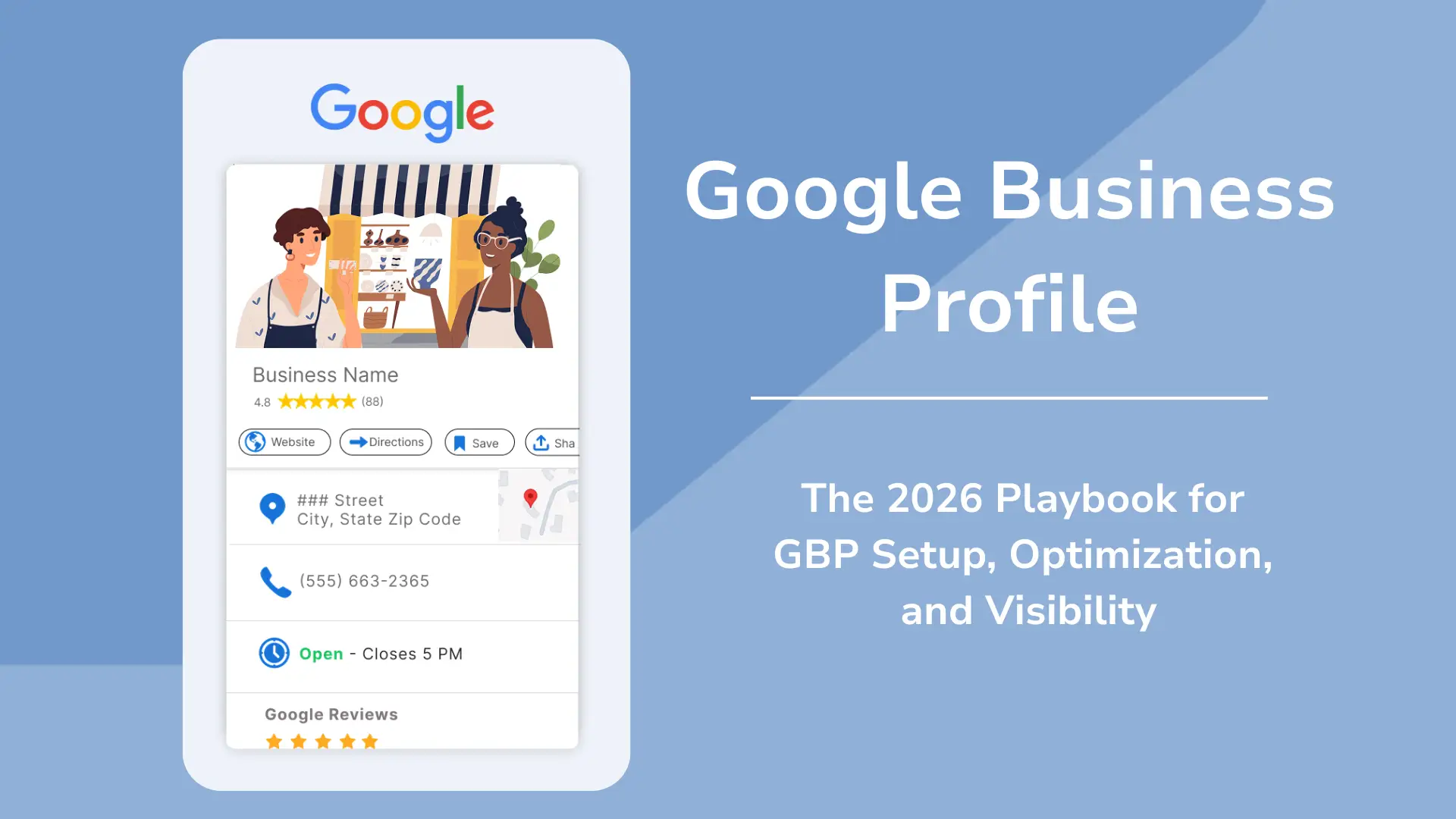
In 2026, local SEO continues to play a major role in how businesses attract customers online. Whether you run a local store, clinic, restaurant, salon, or service-based business, your Google Business Profile (GBP) has become one of the most powerful tools for improving online visibility and generating leads.
Google Business Profile helps businesses appear in:
- Google Search
- Google Maps
- Local Pack results
- Mobile local searches
A properly optimized profile can significantly improve local rankings, customer trust, website traffic, and conversions.
In this guide, we’ll explore how to optimize your Google Business Profile in 2026 for better local SEO and business growth.
What Is Google Business Profile?
Google Business Profile (formerly Google My Business) is a free business listing platform provided by Google.
It allows businesses to display:
- Business name
- Address
- Phone number
- Website
- Reviews
- Photos
- Business hours
- Services
- Products
Your profile appears when users search for your business or related local services.
Why Google Business Profile Matters in 2026
Local search behavior continues to grow rapidly. Most users now search online before visiting a business physically.
A well-optimized GBP helps:
- Improve local rankings
- Increase map visibility
- Generate calls and leads
- Build customer trust
- Improve click-through rates
Google increasingly prioritizes businesses with complete, active, and trustworthy profiles.
1. Claim and Verify Your Google Business Profile
The first step is to claim and verify your business listing.
Verification confirms:
- Your business is legitimate
- You own the listing
- Information is accurate
Without verification, you cannot fully manage or optimize your profile.
2. Use Accurate Business Information
Consistency is critical for local SEO.
Ensure your:
- Business name
- Address
- Phone number (NAP)
remain consistent across:
- Website
- Directories
- Social media
- Local citations
Incorrect information can hurt local rankings and customer trust.
3. Choose the Right Business Categories
Your primary category strongly affects local rankings.
Choose:
- One highly relevant primary category
- Additional secondary categories if needed
For example:
- Dentist
- Digital Marketing Agency
- Restaurant
- Real Estate Consultant
Avoid using unrelated categories.
4. Write an Optimized Business Description
Your business description should:
- Explain services clearly
- Include local keywords naturally
- Highlight unique selling points
Example:
- location
- service specialization
- years of experience
Avoid keyword stuffing.
5. Add High-Quality Photos and Videos
Visual content improves engagement significantly.
Upload:
- Business exterior
- Interior
- Team photos
- Products
- Services
- Before/after images
- Short videos
Businesses with active visual content often receive more clicks and calls.
6. Collect and Manage Customer Reviews
Reviews are one of the biggest local ranking factors in 2026.
Encourage customers to leave:
- Genuine reviews
- Detailed experiences
- Ratings
Also:
- Reply to every review
- Handle negative feedback professionally
Positive reviews improve trust and conversions.
7. Post Regular Updates
Google Business Profile allows businesses to publish posts.
Share:
- Offers
- Events
- Updates
- Blogs
- Announcements
- Product launches
Regular posting signals business activity to Google.
This can improve profile engagement and visibility.
8. Optimize Products and Services
Add detailed:
- Products
- Services
- Pricing (if applicable)
- Descriptions
Use keywords naturally while explaining your offerings.
This helps Google understand your business better.
9. Enable Messaging and Calls
Many customers prefer instant communication.
Enable:
- Call options
- Messaging features
- Appointment booking
Quick responses improve user experience and lead generation.
10. Add FAQs and Q&A
The Questions & Answers section can improve both:
- User experience
- Keyword relevance
Add common questions such as:
- Pricing
- Service areas
- Timings
- Delivery options
- Consultation availability
This helps customers get information quickly.
11. Keep Business Hours Updated
Always maintain accurate working hours.
Update:
- Holiday timings
- Temporary closures
- Special events
Incorrect timings create poor user experience and negative reviews.
12. Focus on Local Keywords
Include local search terms in:
- Business description
- Posts
- Services
- FAQs
Examples:
- “Dentist in Delhi”
- “SEO agency in Noida”
- “Best salon in Gurgaon”
Local relevance improves map rankings.
13. Improve Website SEO Alongside GBP
Google Business Profile works best when supported by strong website SEO.
Optimize:
- Mobile responsiveness
- Page speed
- Local landing pages
- Structured data
- Internal linking
Your website and GBP should work together.
14. Build Local Citations
List your business consistently across:
- Local directories
- Review platforms
- Business listings
This improves:
- Trust signals
- Authority
- Local ranking consistency
15. Monitor Insights and Performance
Google Business Profile provides analytics such as:
- Search visibility
- Calls
- Website clicks
- Direction requests
- Photo views
Analyze this data regularly to improve your local SEO strategy.
Google Business Profile Trends in 2026
Several trends are shaping local SEO in 2026:
AI-Powered Search
Google increasingly uses AI to understand:
- User intent
- Local relevance
- Customer behavior
Voice Search Optimization
Users are searching using conversational queries like:
- “Best dentist near me”
- “Top café open now”
Optimizing FAQs and local keywords helps voice visibility.
Customer Engagement Signals
Google values:
- Replies
- Activity
- Fresh updates
- Review interactions
Active profiles generally perform better.
Common Google Business Profile Mistakes
Avoid these mistakes:
- Inconsistent business information
- Keyword stuffing
- Fake reviews
- Ignoring customer reviews
- No photos
- Inactive profiles
- Wrong categories
These can negatively affect rankings and trust.
Google Business Profile Optimization Checklist
Essential Tasks
- Verify profile
- Add correct business details
- Optimize categories
- Upload photos/videos
- Collect reviews
- Post regularly
- Add services/products
- Enable messaging
- Use local keywords
- Monitor insights
Google Business Profile has become one of the most important local SEO tools in 2026. Businesses that actively optimize and maintain their profiles can gain better visibility, higher trust, and more local customers.
From reviews and local keywords to photos and regular updates, every optimization step helps improve local search performance.
A well-managed Google Business Profile not only increases rankings on Google Maps and Search but also creates a stronger digital presence that drives long-term business growth.
